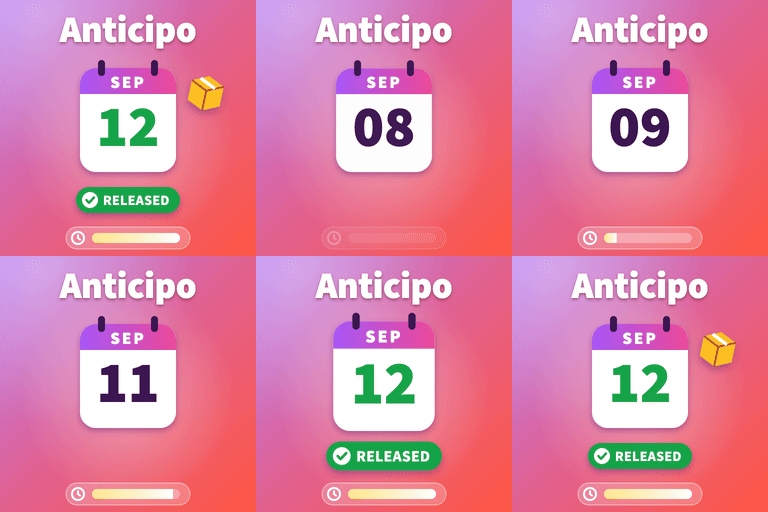
Anticipo – Pre-Orders for WooCommerce
by ProPluginsLab 0 (0 reviews)

Anticipo – Pre-Orders for WooCommerce

Sell products before they exist. Take pre-orders, hold the order until launch day, then release it automatically.

Anticipo ranks #61,334 among WordPress.org plugins with 0+ active installations, is #10,113 of 14,124 in the E-commerce category, and was last updated Oct 22, 2026. Data from WordPress.org, refreshed twice daily — see methodology.

Compatible with WP 7.1.4
v1.3.1 Current Version v1.3.1
Updated 2 weeks ago Last Update on 22 Oct, 2026
Refreshed 6 days ago Last Refreshed on
#10,113 of 14,124 in E-commerce Downloads -56.6% this week Actively maintained
View on WordPress.org
Rank
#61,334
— No change
Active Installs
0+
-100%
KW Avg Position
35
— No change
Downloads
517
+1 today
Support Resolved
0%
— No change
Rating
0%
Review 0 out of 5
0 (0 reviews)

Next Milestone 10

Total Progress 20%
0+ 10+
33,766
Ranks to Climb
-
Growth Needed
8,000,000
Active Installs
Pro

Unlock Exact Install Count

See the precise estimated active installs for this plugin, calculated from real-time ranking data.

  • Exact install estimates within tiers
  • Track install growth over time
  • Milestone progress predictions
Upgrade to Pro
Need 8 more installs to reach 10+

Rank Changes

49,996 51,311 52,627 53,943 55,258 29-10-2026 30-10-2026 31-10-2026 01-11-2026 02-11-2026 03-11-2026 04-11-2026 05-11-2026
49,502 55,748 61,995 68,241 74,487 21-10-2026 22-10-2026 23-10-2026 24-10-2026 25-10-2026 26-10-2026 27-10-2026 28-10-2026 29-10-2026 30-10-2026 31-10-2026 01-11-2026 02-11-2026 03-11-2026 04-11-2026 05-11-2026
Current #61,334
Change
Best #

Upgrade to Pro

Unlock 30-day and 90-day rank history charts with a Pro subscription.

Upgrade Now

Active Installs Growth

Active Installs 0,000,000+
Growth +0.0%
Peak 0,000,000

Downloads Growth

0 10 29-10-2026 30-10-2026 31-10-2026 01-11-2026 02-11-2026 03-11-2026 04-11-2026 05-11-2026
0 10 20 30 40 21-10-2026 22-10-2026 23-10-2026 24-10-2026 25-10-2026 26-10-2026 27-10-2026 28-10-2026 29-10-2026 30-10-2026 31-10-2026 01-11-2026 02-11-2026 03-11-2026 04-11-2026 05-11-2026
Downloads
Growth
Peak

Upgrade to Pro

Unlock 30-day, 90-day, and yearly download history charts with a Pro subscription.

Upgrade Now

Reviews & Ratings

0.0
0 reviews
Overall 0%
5
0 (0%)
4
0 (0%)
3
0 (0%)
2
0 (0%)
1
0 (0%)

Frequently Asked Questions

Common questions about Anticipo – Pre-Orders for WooCommerce

Yes. Variations inherit the release date and rules from the parent product.
By design. Stock is reduced on release day, because the units do not exist yet and reducing stock now would make your inventory figures wrong for weeks. If you are pre-selling from stock you already hold, turn off "Reduce stock on release" under Release workflow. The release date passed and nothing happened. Open WooCommerce, Pre-orders, Status. It tells you whether Action Scheduler is running and lists anything overdue. You can also release by hand from the Pre-orders screen. On a very low traffic site, pointing a real server cron at wp-cron.php makes scheduled jobs punctual. The Pre-orders tab in My Account returns a 404. Open Settings, Permalinks and press Save without changing anything. That regenerates the rewrite rules.
No. Pre-orders live in their own indexed table, settings are read from objects WooCommerce has already loaded, and the plugin's CSS and JavaScript are not loaded on pages that have no pre-orders.
Yes. Add [anticipo_preorder_products] to any page. It shows every product currently taking pre-orders as a normal shop grid, soonest release first, with products that have no announced date listed last. It accepts limit, columns, orderby (release_date or title), category (product category slugs) and empty (the message shown when nothing is on pre-order).
Yes. Set the store wide wording under Settings, Display, or give a single product its own wording in the Badge text field on its Pre-order tab.
Yes, and with the legacy post based storage. Compatibility is declared for both, plus the Cart and Checkout blocks.
Only if you ask for it. Deactivating never deletes anything. Deleting the plugin removes data only when you tick the option on the Advanced settings tab.

More plugins by ProPluginsLab

Sign In / Register

You need to sign in or register to use this feature.